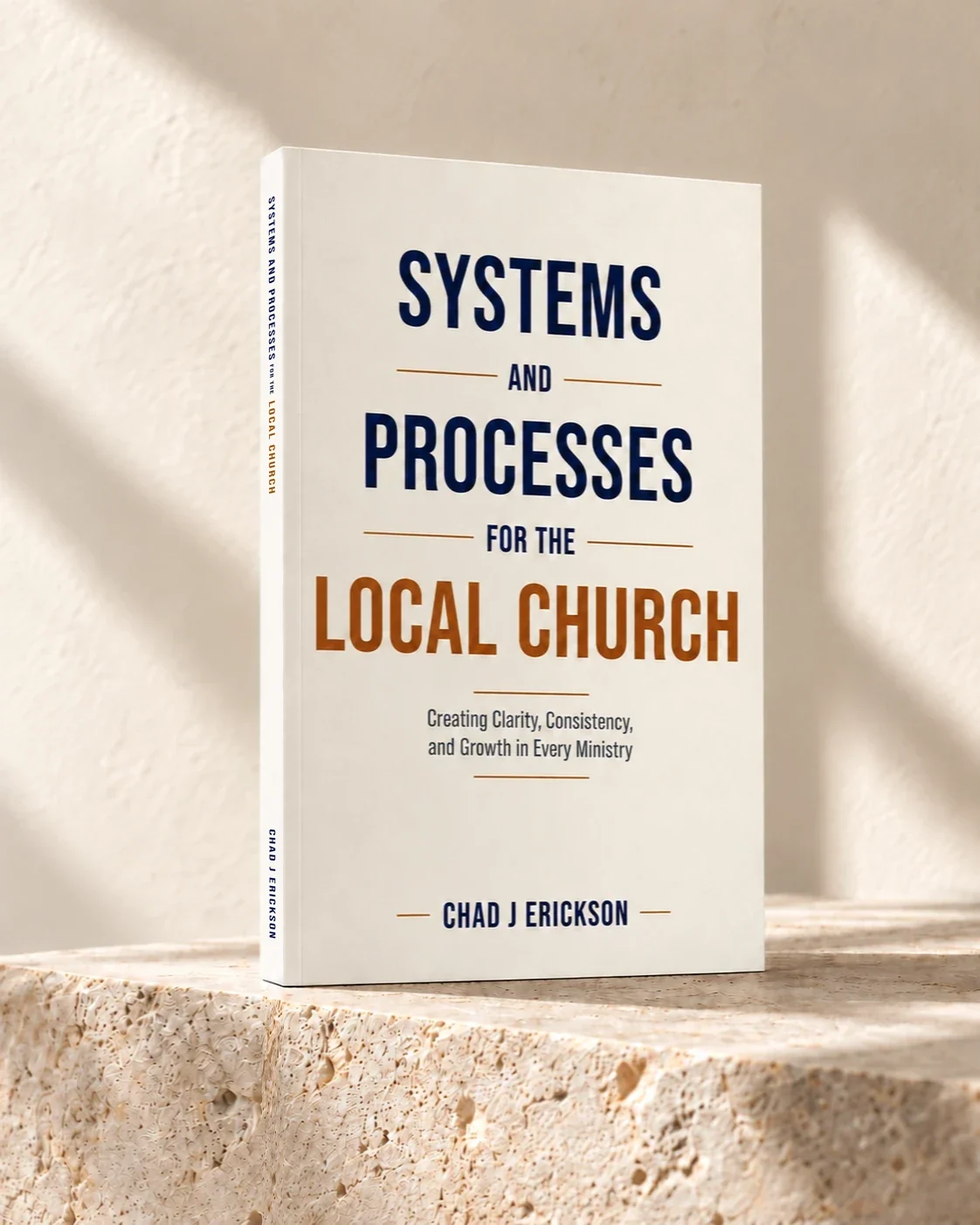
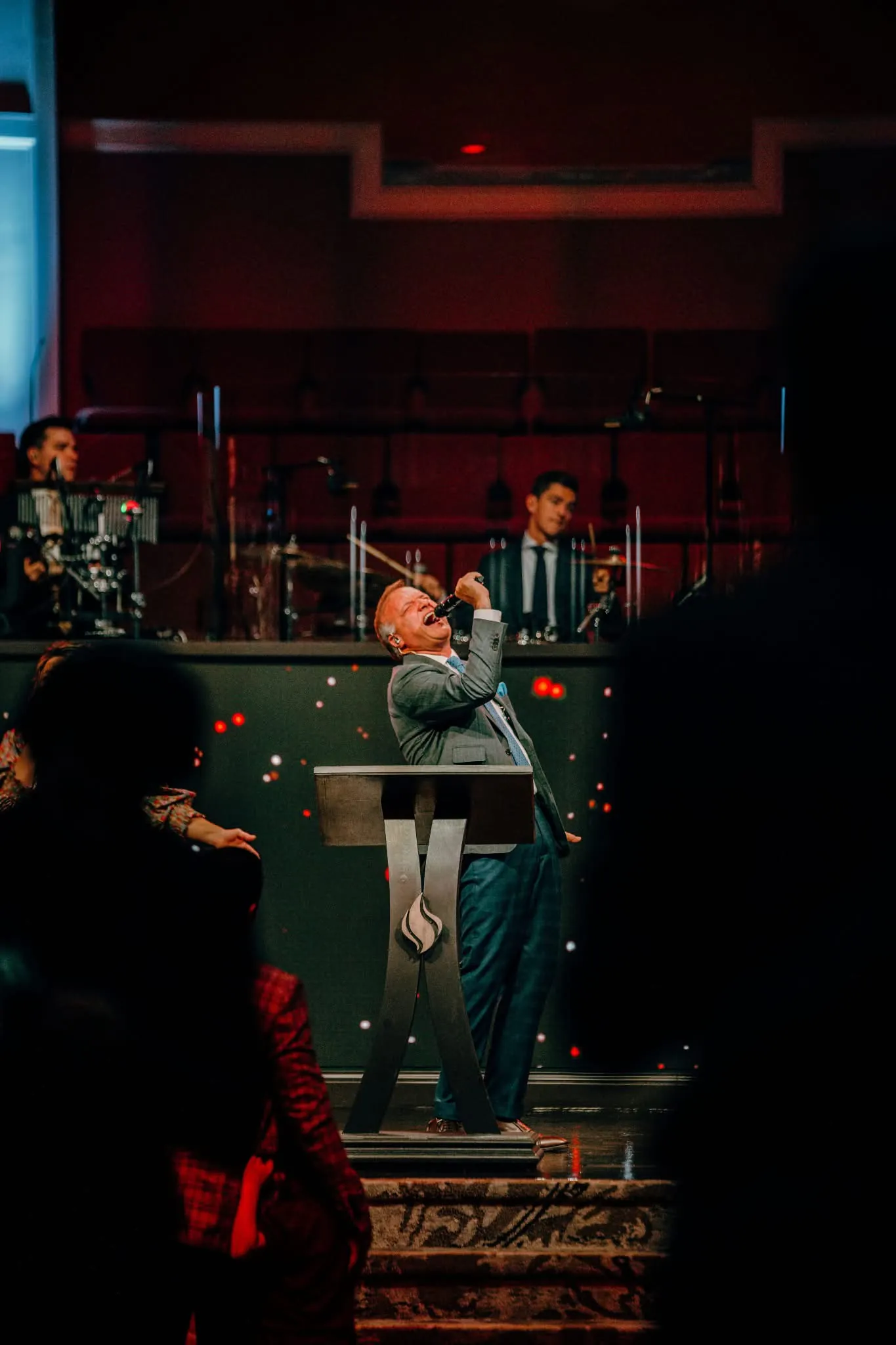
Chad Erickson preaching from the pulpit

Bring clarity to the work behind the ministry.

  • Define responsibilities,
  • Document everyday processes,
  • and equip the people who serve.

THE FREE READER COMPANION

Give your team a clear next step.

Choose one recurring task. Give it an owner, write down the steps, and make it clear what good work looks like.

Who owns the work?
Name the responsible person or role and a backup.
What happens next?
Turn the task into steps someone else can follow.
How do we know it is complete?
Define the checks your team will use before calling it done.
Open the free system builder

Free to use. No account required. The builder is currently in English.

ILLUSTRATIVE SYSTEMDRAFT

Sunday Guest Welcome

Riverbend Fellowship · Fictional church

OWNER
Guest services lead
BACKUP
Welcome-team assistant
WHEN
Every service

PURPOSE

Help guests feel welcome and find their next step without confusion.

PROCEDURE PREVIEW

  1. Confirm welcome coverage and tell the team who to contact for help.
  2. Check the welcome point and verify the directions the team will give.
  3. Greet arriving guests and offer help without pressuring them to share personal information.

QUALITY CHECK

Welcome coverage is clear. Directions are accurate and understandable. Help is offered respectfully.

Adapt and review for your church.
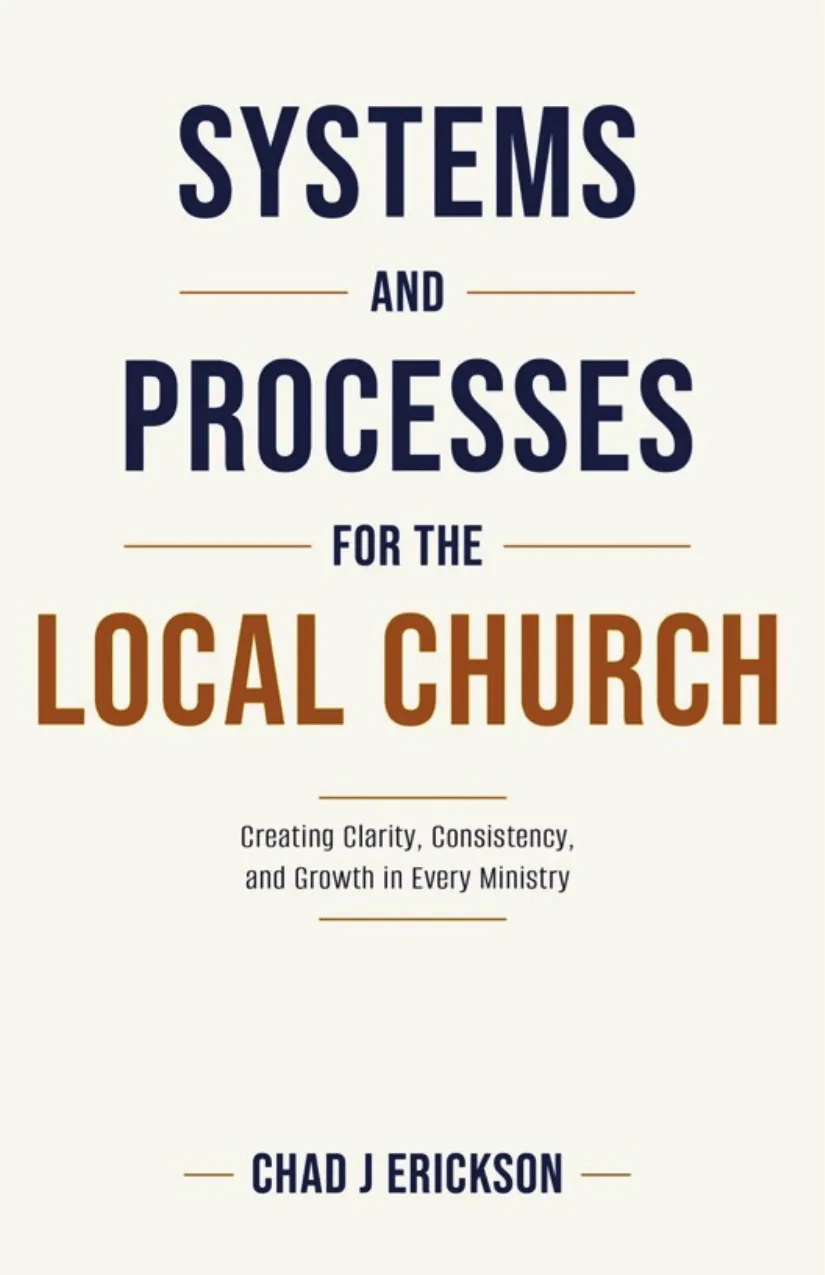
Upload your church logo to personalize your document and printed copies. Partial preview of an original companion example, with fictional church details. This is not an excerpt from the book.

ALSO IN AUDIO

Take the book with you.

Listen on Spotify, then put what you learn into practice with your ministry team.

5 hr 36 minDigital voice narration

Listen on Spotify

See current pricing and listening options on Spotify.

A FEW USEFUL ANSWERS

Using your book companion.

A practical starting point.
No account required.

How do I get started?

Open the free system builder and choose a starting point. Adapt a procedure from the book, use the Appendix B Master Ministry System Template, or write a free-form procedure.

Four complete Appendix A adaptations cover building opening, building closing, first-time guest follow-up, and church event planning. These are labeled as adaptations with book references. Supplementary original examples are identified separately.

Open the free system builder
Can I add our church’s name and logo?

Yes. Add your church’s details and upload a logo to personalize your document and printed copies. The Riverbend Fellowship logo above is a fictional example, not a preset church identity.

How do I save and back up my work?

Drafts stay in your current browser. Export an editable backup to keep a separate copy, then import it when you need it on another device. You can also print a full document or quick checklist.

No account or payment is required. Drafts do not automatically synchronize across devices, and clearing your browser’s site data can remove them. Keep an exported backup of important work.

Can I use this with my ministry team?

Build a draft around one process, then review it with the people who carry out the work. Agree on responsibilities and keep the current copy somewhere your team can find it.

Ask about systems training ↗

Start with one system.

Choose one recurring task and give your team a clear way to carry it out.

Open the free system builder